

If your office treats printing like a boring line item on the budget, you’re probably paying more than you should. A good commercial printing company will tell you the same thing: most of the money businesses lose on printing doesn’t come from the ink or the paper. It comes from bad habits, small orders, and designs that fight against the printing press instead of working with it.
This guide walks through the real ways to cut printing costs, whether you’re sourcing basic front-desk handouts or organizing a major production run of high-volume advertising collateral for a trade show. We’ll cover office waste, smart design choices, insider tricks from print shop workers, and the one big mistake that trips up even experienced buyers: ordering too much, too soon.
The Hidden Economics of Print
Here’s something most people don’t think about. Studies on office printing suggest that unmanaged printing can eat up as much as 15% of a company’s yearly expenses. That’s not from the printer running out of ink at a bad time. It’s from documents nobody picks up, extra copies nobody needed, and orders placed one at a time instead of together.
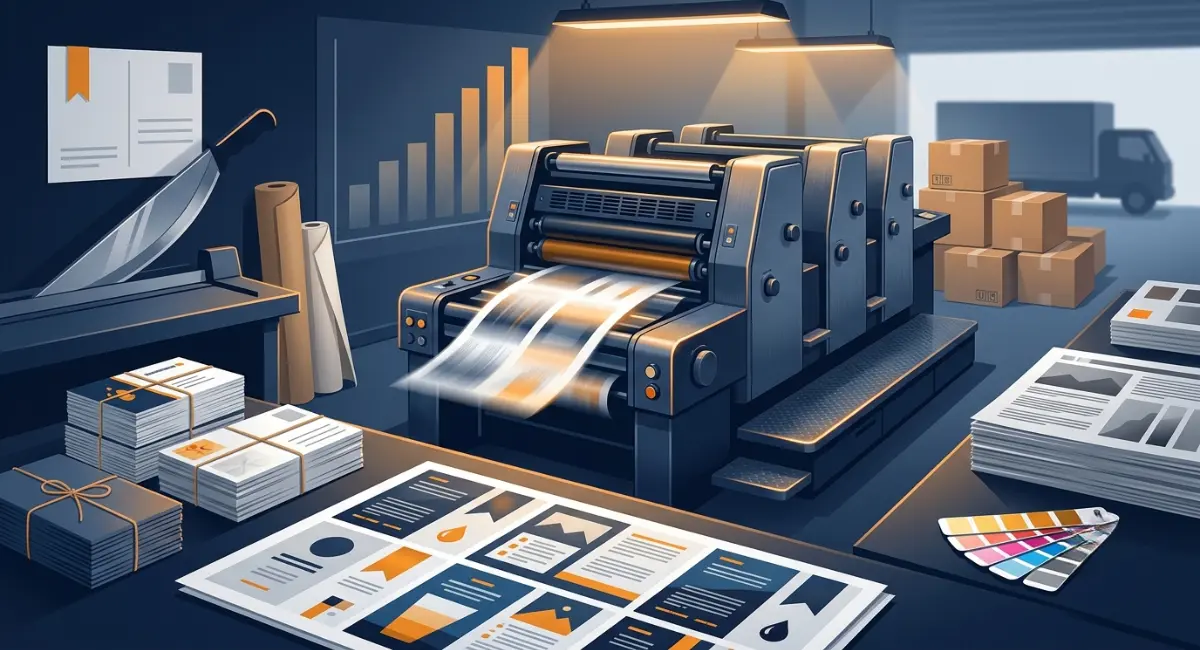
Every time a job hits the floor, setup costs vary drastically depending on the chosen commercial press technologies. The printer has to prep files, get the plates ready if it’s an offset job, and calibrate the press to ensure accurate full-color reproduction mechanics from the first sheet to the last. This setup cost is basically the same whether you’re printing 100 flyers or 10,000 of them.
That’s the whole secret behind bulk printing discounts. Print 100 copies and that setup fee gets split across a tiny batch, so your price per piece stays high. Print 10,000 and the same fee gets spread so thin it barely shows up in the final cost, often cutting your per-unit price in half or more. Businesses that get smart about batching their print runs through unified, cost-effective printing solutions have reported cost cuts in the 12 to 15% range, plus lower energy use from running fewer separate jobs.
The lesson here: stop looking only at the price per unit. Look at the total project value instead. A run of 5,000 postcards might cost more upfront than 500, but the cost per postcard could be a fraction of the price.
Designing for the Press
Cutting print costs isn’t just about ordering more. It’s also about designing your files so the printing press can work efficiently. A few small choices here can save real money.
Stick to standard paper sizes. In the US, 8.5 x 11 inches is the standard for a reason. It’s what printers stock, what presses are built around, and what fits neatly on a template without generating excess scraps that conflict with national municipal solid waste data parameters. If you design something slightly off standard, like a postcard at 6.5 x 9.5 inches instead of 6 x 9, you might cut the number of pieces that fit on a printing sheet in half. That basically doubles your paper cost for no real benefit.
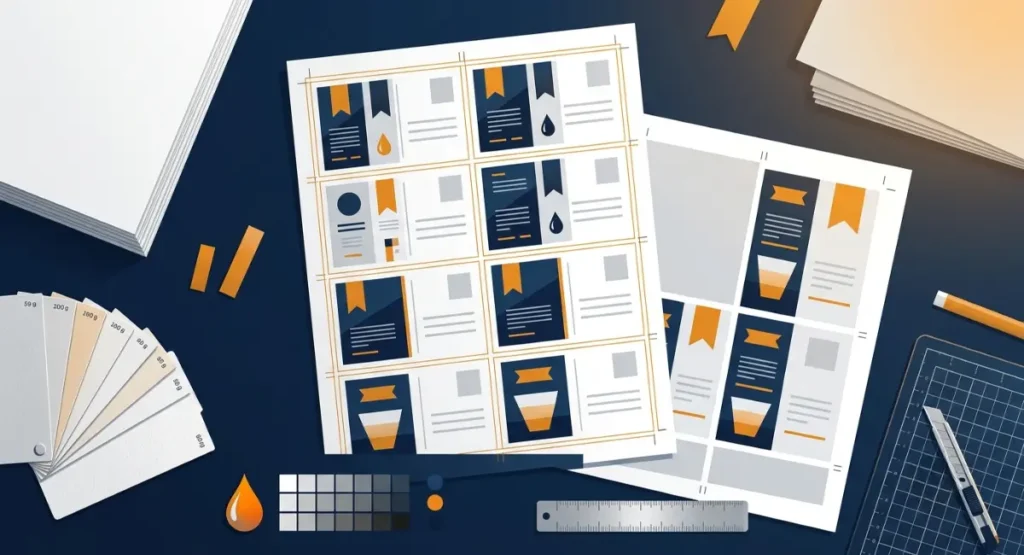
Think about the “4-up” versus “8-up” layout. These terms just describe how many copies of your design fit on one large printing sheet. An 8-up layout squeezes twice as many pieces onto the same sheet as a 4-up layout, which means less wasted paper and a lower cost per piece. Ask your printer which layout works best for your size before you finalize your design.
Go easy on the ink. Color printing can cost up to four times more than black and white. If you’re printing internal reports, training manuals, or anything text-heavy that doesn’t need color, switch to grayscale. Also skip the heavy dark or “rich black” backgrounds. They use a lot of ink, take longer to dry, and can smear if you’re not careful.
Watch your paper weight too. Lighter paper stock costs less per sheet and cuts down shipping costs, which matters a lot for big books or catalogs. Dropping from a 60 lb to a 50 lb uncoated offset paper, for example, can add up to serious savings on a large book run.
Pro Tips from the Shop Floor
Working with a commercial printer works best when you treat it like a partnership, not a transaction. Print shop workers know tricks that most customers never think to ask about.
Ask about house stock. Printers usually buy certain paper types by the truckload and keep them in stock. If your project doesn’t need a specialty paper, ask your printer if they can quote it using house stock or gang run pricing. Using paper they already have on hand can be half the price of ordering something special just for your job.
Batch your orders. If fifteen people in your office all need new business cards, don’t send fifteen separate orders. Send them together. The printer can “gang” all fifteen designs onto one big sheet, which means you split one setup fee across everyone instead of paying fifteen separate fees. This is one of the simplest ways to lower printing costs for any organization looking to streamline their professional stationery fulfillment and eliminate minor, recurring order fees.
Ask for the overs. During offset printing, the shop usually runs a few hundred extra sheets at the start to check that the colors look right before the real run begins. These leftover sheets are called overruns, or “overs.” A lot of printers will hand these over for free if you ask, rather than tossing them in the recycling bin. It never hurts to ask.
The Office Leak: How to Reduce Office Printing Costs
Not all printing savings come from big bulk orders. Some of the biggest leaks happen right at your own office printer.
Set your machines to default to double-sided printing. It sounds small, but it cuts paper use nearly in half over time.
Turn on secure print release if your printer supports it. This means a document only prints once someone is standing at the machine to pick it up. No more stacks of forgotten printouts sitting in the tray until someone finally tosses them in the recycling bin.
Get rid of individual desk printers where you can. They’re expensive to maintain, they use more ink per page than shared machines, and they’re harder to keep secure. A centralized multi-function printer usually costs less to run and is easier to manage.
When Bulk Fails: The Inventory Trap
Bulk printing isn’t always the smart move, and this is where a lot of buyers get burned. Ordering thousands of units of something you haven’t tested yet means your cash is now sitting inside a cardboard box instead of in your bank account.
Say you’re testing a new t-shirt design or a new brochure. Don’t jump straight to a 5,000-unit order. Start with print-on-demand instead. POD printing has basically zero inventory risk since you’re only printing what actually sells. Once a design proves itself, maybe by selling 40 to 50 units without you having to push it hard, that’s your signal to switch over to bulk printing and lock in the lower per-unit cost.
This is also where designs can go stale. A batch of 10,000 brochures with last year’s pricing or an outdated logo isn’t a bargain. It’s a box of paper you’ll eventually have to throw out. When you’re not sure a design has staying power, smaller runs protect you.
Frequently Asked Questions
What is the most cost-effective binding method for bulk booklets?
Saddle stitching, which just means stapling along the fold, is the cheapest option for booklets with fewer pages. For thicker projects, perfect binding is still a solid, budget-friendly choice.
How many copies do I need to qualify for bulk printing discounts?
Most commercial printers count “bulk” starting around 1,000 units for general marketing materials like flyers or postcards. For books and booklets, that threshold usually drops to around 250 copies.
Is offset printing always cheaper than digital printing for large runs?
Usually, yes. Digital printing has lower setup costs, which makes it better for small batches. But offset printing gets cheaper per unit the more you print, since the machines can run continuously once they’re set up. For large volume printing, offset almost always wins on price.
What is the easiest strategy for internal print cost reduction?
Turn on secure print release so documents only print when someone’s there to grab them, and set every printer to default to grayscale and double-sided printing. Together, those two changes handle most of the waste that happens at a typical office printer.
Mastering how to control printing costs really comes down to a few core habits: order in batches instead of one at a time, design with the press in mind instead of against it, ask your printer the right questions, and don’t confuse a low price per unit with real savings if the units are just sitting in a box. Get those basics right, and printing stops being a mystery expense and starts being something you actually control.