
Offset vs. Digital Printing in 2026: The Insider’s Guide to Quality and Cost
If you’ve ever gotten two quotes for a print job and wondered why one was three times the price of the other, you’ve already bumped into the offset vs. digital question. It’s one of the most common sources of confusion in commercial printing, and it costs people real money when they get it wrong.
This guide covers how both methods actually work, where each one makes financial sense, what quality differences are worth caring about, and how to avoid the mistakes that waste time and budget.
The Mechanics of the Press: Plates vs. Pixels
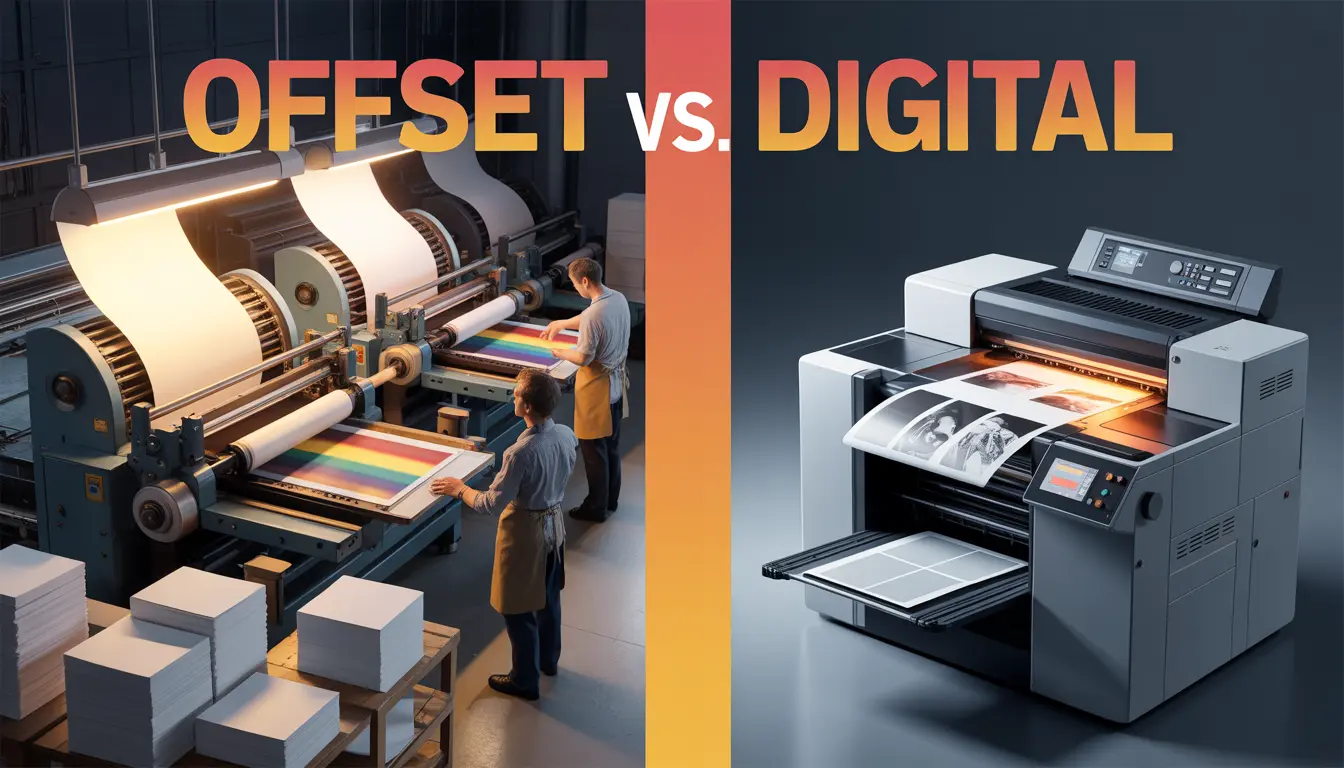
The core difference is simple: offset printing uses physical plates; digital printing doesn’t.
In offset (also called lithographic printing), each color in your design gets its own aluminum plate. Ink is applied to the plate, transferred to a rubber blanket, then pressed onto the paper. The word “offset” comes from that middle transfer step. Setup takes time, but once the press is running, it prints thousands of copies with very consistent color.
Digital printing skips all of that. Your file goes straight to the printer, which works a bit like a high-powered laser or inkjet. No plates, no makeready, no setup time. You send the file and it starts.
That’s why the economics look so different. With offset, you’re paying for setup regardless of how many copies you print. Once you’ve covered the plates and press setup, each additional copy costs almost nothing. With digital, every copy costs roughly the same amount.
A few terms you’ll run across in offset printing: lithographic press, sheet-fed offset, web offset (for high-volume roll-fed jobs), and CMYK process printing. Digital is sometimes called on-demand printing or variable data printing, especially when each piece in a run carries different information.
The Economic “Criss-Cross”: Finding Your Break-Even Point
There’s a crossover point where offset becomes cheaper than digital. The exact number depends on the job, but for most standard commercial print work it falls somewhere between 300 and 1,000 copies.
Here’s a rough way to calculate it:
Digital total cost = cost per unit × quantity
Offset total cost = setup cost + (cost per unit × quantity)
Set them equal to find the break-even:
Setup cost ÷ (digital unit cost − offset unit cost) = break-even quantity
Say digital prints cost $0.40 each, offset unit costs run $0.08 each, and offset setup is $150. The break-even is $150 ÷ ($0.40 − $0.08) = about 470 copies.
Below 470, digital is cheaper. Above it, offset starts saving you money.
A few things shift that number in practice:
Paper stock. Offset handles a wider range of weights and coatings. If you need an unusual substrate, offset setup costs may be unavoidable regardless of quantity.
Finishing. If you’re adding spot UV, embossing, or foil stamping, those processes are often tied to offset workflows.
Turnaround. Digital jobs can ship in 24-48 hours. Offset typically needs 5-10 business days from approved files.
Version changes. Need 10 variations of a brochure with different names or addresses? Digital handles that cleanly. Offset would require new plates for each version, which adds significant cost.
For a small business ordering 100 business cards or 50 event programs, digital is almost always the right call. For a catalog going to 5,000 customers, offset is likely cheaper and produces better color consistency across the run.

Beyond the Naked Eye: Identifying Quality Nuances
The honest answer is that for most jobs, most people can’t tell the difference. If you’re printing a flyer that gets handed out at an event, it doesn’t matter much. But if you’re a designer or brand manager responsible for how a brand looks in print, some differences are worth understanding.
Color consistency across a long run. This is where offset has a real, measurable advantage. Once the lithographic press is dialed in, copy 1 and copy 5,000 look the same. Digital presses can drift slightly over a long run, though equipment quality has improved a lot in the past few years.
Pantone and spot colors. Offset can print exact Pantone inks straight from the can. Digital presses simulate Pantone colors by mixing CMYK, which works well for most colors but can struggle with saturated reds, oranges, and metallics. If your brand color absolutely cannot shift, offset is the safer bet.
Fine detail and halftones. Offset holds finer detail in gradients and halftone patterns. For large-format photography or intricate line work, offset generally gives cleaner results.
How ink sits on the paper. Offset inks dry through absorption and oxidation, so they feel integrated with the sheet. Digital toners or inks sit more on the surface. On uncoated papers, offset often looks and feels more natural. On coated stocks, the gap is much smaller.
Resolution. This distinction matters less than it used to. Current digital presses print at 1200 dpi or higher, which covers most commercial applications.
Where digital actually wins on quality is personalization. A digitally printed piece can carry a different name, image, or offer on every single copy. That’s not possible with offset plates.
Avoiding Common Printing Disasters
These are the things experienced print buyers know and first-timers learn the hard way.
Don’t specify Pantone colors in a digital job without checking first. If your brand color is Pantone 485, it will look different on a digital press. Ask the printer to pull a proof before approving a large run.
File setup for offset requires more care. You need proper bleed (usually 3mm beyond the trim edge), correct color mode (CMYK, not RGB), and embedded fonts. Sending an RGB file to an offset shop adds a conversion step and introduces color shifts you didn’t plan for.
Paper weight affects everything downstream. A brochure that folds needs different paper than one that doesn’t. If you’re folding, ask whether the grain direction is correct for your fold. Folding against the grain on heavier stocks causes cracking, which shows up more visibly with digital toners.
Exact color matching on reorders is harder than people expect. If you print 500 brochures today and need another 500 in six months, offset will be trickier to match because press conditions change between runs. Digital is actually more consistent for small reorders.
Proofing is not optional on offset. The setup cost for offset means that if something is wrong, it’s expensive to fix after the press is running. A hardcopy proof before the job starts saves money. On-screen proofs don’t account for paper and ink interaction.
RGB images in print files cause problems. Screens use RGB; print uses CMYK. The conversion can shift blues toward purple or kill saturation in bright colors. Convert images to CMYK in your design software before sending files to the printer.
Lamination and digital toner don’t always bond reliably. Some lamination types peel from digitally printed surfaces over time, especially with heavy ink coverage in the area being laminated. Ask your printer specifically which lamination process they use for digital jobs before you commit to the finishing spec.
Choosing by Project: A Quick Reference
Rather than a hard rule, here are common project types with the method that usually makes more sense.
| Project | Typical Quantity | Better Method | Why |
| Business cards | 250-500 | Digital | Low quantity, quick turnaround |
| Business cards | 1,000+ | Offset | Unit cost drops significantly |
| Flyers (single event) | 100-500 | Digital | Short run, fast delivery |
| Flyers (ongoing campaign) | 2,000+ | Offset | Consistent color, lower unit cost |
| Brochures | Under 500 | Digital | Avoids plate and setup costs |
| Brochures | 1,000+ | Offset | More cost-effective at scale |
| Catalogs | Any | Usually offset | Long-form, higher-grade paper, volume |
| Personalized mailers | Any | Digital | Variable data, each piece unique |
| Packaging | Large runs | Offset | Color accuracy, specialty finishes |
| Banners / large format | Any | Wide-format digital | Different category entirely |
A few situations that override the table:
- Urgent turnaround? Digital almost always wins.
- Exact Pantone match? Go offset.
- Every piece needs different content? Digital.
- Unusual substrate or premium stock? Call your printer first; newer digital presses handle specialty media reasonably well now.
- Tight budget and over 1,000 copies? Run the break-even calculation before deciding.
The Printer Matters as Much as the Method
The method you choose only matters if the execution is good.
One thing that gets overlooked in the offset vs. digital decision is the printer’s actual capability with both. Many shops specialize in one or the other. A digital-first shop may not have the press operators or color management expertise to run tight offset work. A traditional offset house may have older digital equipment that doesn’t hold color reliably.
Printers that run both offset and digital production can genuinely advise which method fits your job, rather than steering you toward what they’re set up to run. That kind of honest guidance is more valuable than it sounds, especially if you’re managing a brand across multiple print products or markets. Printfo operates this way – both production tracks under one roof, which makes the method recommendation a technical decision rather than a sales one.
The other thing worth paying attention to is prepress. A lot of print disasters happen before the job even reaches the press. File preparation, color profiling, proofing workflows – this is where quality is protected or quietly lost. Printers who handle prepress seriously ask more questions upfront and catch problems before they become expensive reprints.
FAQ
Is digital printing as good as offset printing?
For most commercial jobs, yes. The quality gap has closed significantly over the past decade. Offset still has a clear advantage in Pantone color accuracy, very long runs where consistency across thousands of copies matters, and jobs that require specialty inks or coatings. For runs under 500 copies, digital is often the smarter choice regardless of quality considerations.
What is the minimum order for offset printing?
There’s no universal minimum, but most offset shops won’t take jobs under 500-1,000 copies because the setup cost makes the per-unit price uncompetitive at lower quantities. Some printers set minimums at 250 for certain products. The practical minimum is whatever quantity pushes you past the break-even point.
Why is offset printing more expensive for small runs?
The cost to make plates, set up the press, mix inks, and run test sheets is essentially fixed. You pay roughly the same setup cost whether you print 100 copies or 10,000. On small quantities, that fixed cost spreads across fewer copies, which drives the per-unit price up. Digital has no meaningful setup cost, so small runs are proportionally cheaper.
Which printing method is better for the environment?
Neither is clearly better across the board. Digital wastes less paper during makeready (the test sheets used while setting up an offset press) and avoids the chemistry involved in making plates. But digital presses use toner or UV inks with their own environmental footprint. Offset on large runs can be more resource-efficient per unit because the press runs at full capacity. FSC-certified and recycled papers are available for both methods. If sustainability matters to your project, ask your printer specifically about their paper sourcing and waste practices rather than assuming one production method is greener.
Can I use Pantone colors in digital printing?
You can specify them, but digital presses print in CMYK or an expanded gamut with extra ink channels. The press simulates the Pantone color by mixing available inks. For most standard Pantone colors, the result is close. For vivid oranges, certain reds, and metallic finishes, the match is imperfect. Some newer digital presses include orange, green, and violet channels that improve Pantone accuracy. If the match is critical, request a printed proof before approving the run.
Does digital printing ink crack when folded?
It can. Digital toners sit on the surface of the paper rather than absorbing into it, which makes them more susceptible to cracking on folds, especially on heavier stocks or when the fold runs against the paper grain. This is a real issue for brochures and direct mail pieces with heavy ink coverage at the fold line. Solutions include scoring before folding, specifying a paper stock with the correct grain direction, or asking your printer about UV or latex digital inks that stay more flexible. If you’re ordering folded pieces printed digitally, raise this question with your printer before placing the order.
How long does an offset printing job typically take?
Most standard offset jobs take 5-10 business days from approved files to delivery. That includes plate making, press setup, printing, drying time (offset inks need time to set), and finishing. Rush turnarounds are possible but cost more and aren’t offered by every shop. Digital jobs typically run 1-3 business days. If you’re working against a deadline, build turnaround time into your method decision alongside cost and quality.